
You’re writing a blog post, you add a link to an external source, and the question comes up: is that link an outbound link for you or a backlink for the other site? The answer is simple: it’s both.
The same hyperlink has a different name depending on whose perspective you take: the site sending the link or the site receiving it. This confusion gets in the way of practical SEO decisions, especially when you need to choose whether to add a link, request one, or set an attribute.
Outbound and inbound links: two sides of the same hyperlink
Consider a common scenario. A food blog publishes a recipe and mentions an olive oil producer by linking to its online store. From the food blog’s perspective, this is an outbound link: it sends visitors to another domain. From the producer’s perspective, the same link is an inbound link, also known as a backlink or inbound link.
The mechanics are the same in every industry. A news site linking to an official report creates an outbound link for itself and a backlink for the institutional website. Understanding inbound and outbound links therefore comes down to identifying who is sending and who is receiving in the exchange.
Alongside these two categories, an internal link connects two pages on the same website. It doesn’t generate a backlink or count as an outbound link. Its role is to structure navigation and distribute SEO value among pages on the same domain.

rel attributes on outbound links: what Google really expects
When adding an outbound link, the first practical question concerns the rel attribute. Should you add nofollow, sponsored, ugc, or nothing at all?
Google clarifies this in its Search Central documentation: an editorial link to a useful source doesn’t need any attribute. If you cite a reference because it adds value for the reader, the link remains “natural” and can pass ranking credit without causing any problems.
Attributes are needed in three specific cases:
rel="sponsored"for any link obtained through a commercial exchange, paid partnership, or financial compensation. Google also acceptsnofollowin this case, butsponsoredis more explicit.rel="ugc"for links posted by users (comments, forums, profiles). This label tells Google that the site didn’t choose the link editorially.rel="nofollow"when you don’t want to associate your page with the target site, and the link isn’t part of a commercial exchange or user-generated content.
Since March 1, 2020, Google has treated these three attributes as hints rather than strict directives. A link marked nofollow may still help Google discover and index the target page through other means. Marking a link doesn’t guarantee that Google will ignore it, which changes how you plan your outbound links.
Risk for the publisher, not just the recipient
Google’s spam policies target links created to manipulate rankings, and they apply in both directions. A site that sells outbound links without labeling them correctly is just as exposed as a site that buys artificial backlinks. People often assume that only the link recipient is at risk, but the publishing site is affected too.
Backlinks and SEO: what matters in an inbound link
A backlink doesn’t have a fixed value. Several factors determine its actual weight in Google rankings, and confusing them can lead to ineffective link-building campaigns.
The authority of the source domain remains the primary factor. A link from a site recognized in its field carries more weight than a dozen links from generic directories. Topical relevance between the source site and the target site matters too: a hiking blog linking to a trail shoe manufacturer sends a consistent signal.
The link anchor—the clickable text—gives Google a clue about the target page’s content. A descriptive, natural anchor helps the search engine understand the linked page. An over-optimized anchor, on the other hand (repeating the exact keyword across dozens of backlinks), can trigger spam filters.
The context of the source page matters too. A link placed in the editorial body of an article and surrounded by relevant text passes more value than one relegated to a footer or sidebar.
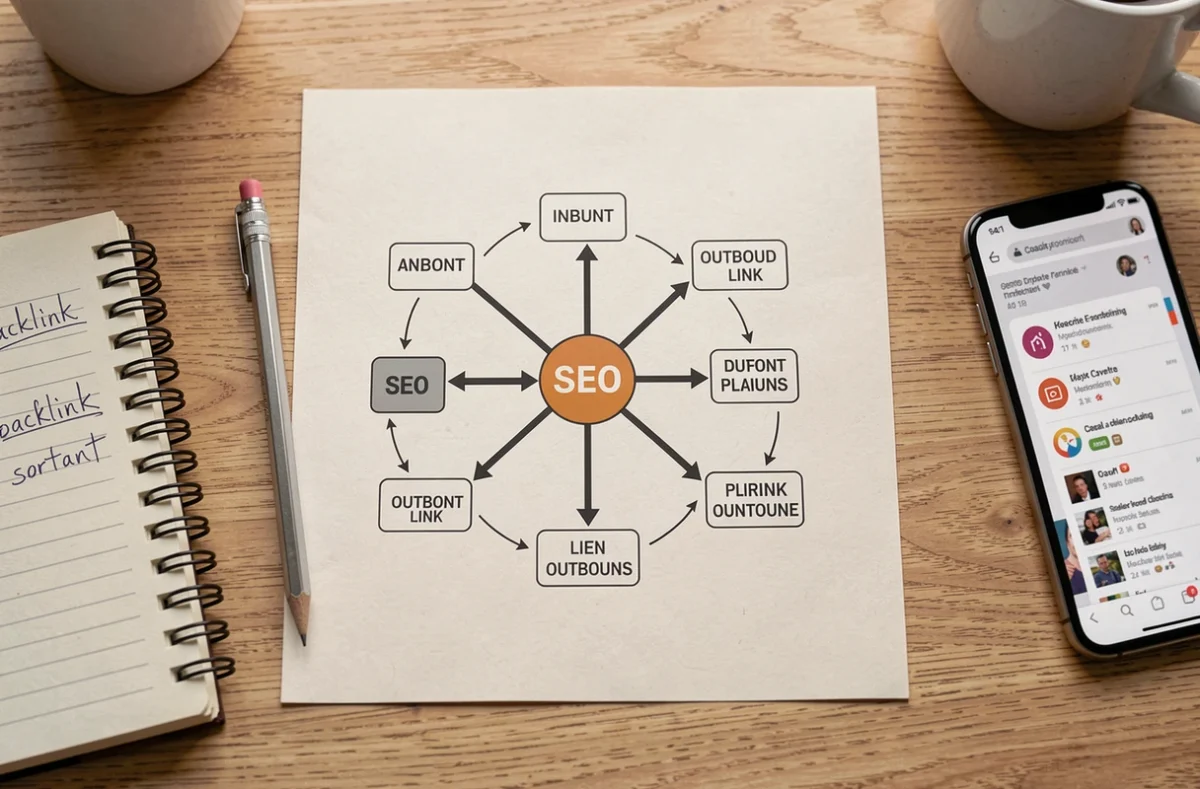
Build a cohesive strategy for inbound and outbound links
Inbound and outbound link management are often treated as separate projects. In practice, they work together to build a site’s credibility.
A site that produces strong content and cites its sources with carefully chosen outbound links sends a signal of trustworthiness. That same content, because it’s useful and well-sourced, naturally attracts backlinks from other sites. Outbound links support editorial quality, and editorial quality generates inbound links.
Outbound links: don’t be afraid of them
Some publishers avoid adding outbound links for fear of “losing SEO juice.” That idea is outdated. Google values pages that link to relevant resources because they improve the user experience. Removing all your outbound links weakens your content and isolates your site from the rest of the web.
Inbound links: prioritize quality over quantity
When it comes to acquiring backlinks, the mass-volume approach has shown its limits. Google’s spam updates target artificial link profiles. It’s better to earn a few backlinks from sites with strong topical authority than to accumulate hundreds of links from sites unrelated to your business.
A site’s link profile also benefits from diversity: varied anchors, links from different source pages, and a steady acquisition rate rather than a sudden spike followed by silence.
The distinction between inbound and outbound links is a matter of perspective, not mechanics. Both use the same HTML code and the same hyperlink. What changes is your role: publisher or recipient. Keeping this distinction clear helps you set the right attributes, fine-tune your link-building strategy, and avoid mistakes that can hurt your rankings.