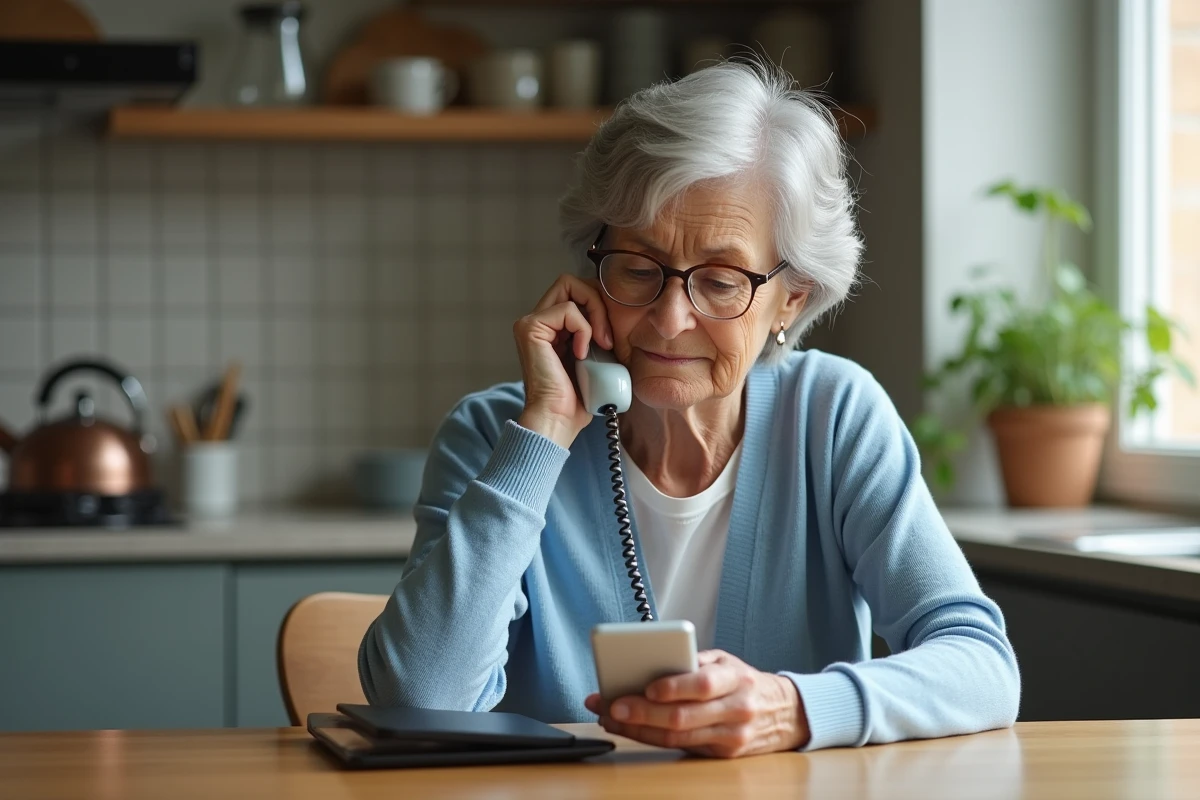
Three incorrect codes and everything stops. On a Doro phone, the lock is no urban legend: it’s a mathematical certainty, designed to protect the user but which, in practice, sometimes turns the device into a puzzle. This security, meant to reassure, can quickly cause confusion when a code is forgotten or a manipulation goes awry.
Few know, but some Doro models include a rarely mentioned backup solution in the manuals. When the lock drags on and the codes seem inaccessible, it becomes useful to consider external help. The steps then depend on the severity of the situation and your ability to retrieve the information from the SIM card.
When a Doro phone locks: understanding the causes and the first reflexes to adopt
The locking of a Doro phone never gives warning. Behind its apparent simplicity, the device dedicated to senior users hides a mechanism that sometimes jams. Three failures with the PIN code, improperly inserted SIM card, failing battery, bug after an update: the scenarios are numerous. First reflex: read the message on the screen carefully. If the phone asks for a “PUK code,” it’s a security issue related to the SIM card. If it shows no network, this may indicate a hardware, configuration, or mobile network issue.
Some simple gestures often help untangle the situation:
- Remove the battery (if possible), wait ten seconds, and put it back in place.
- Inspect the SIM card: look for signs of oxidation or scratches, clean it carefully.
- Test the charger connection as well as the state of the docking station to rule out a charging problem.
- Insert another SIM card to check if the issue comes from the device or the SIM.
It can also happen that a problem affects the connection, sound, screen, or the ability to make calls. A blocked call, for example, can originate from airplane mode, a restriction on certain contacts, or a setting related to a hearing aid. To resolve a problem with a Doro phone, proceed step by step, analyzing each symptom. Specialized guides, like the one from Cercle des Seniors, detail concrete methods tailored to each situation.
How to regain access to your device: PIN codes, PUK code, and alternatives explained simply
Locking by PIN code remains common on a Doro phone. Three errors and the SIM card locks: the famous PUK code becomes the key. This code is found on the plastic holder of the SIM or can be provided by the operator. Handle with care: ten failed attempts and the SIM card will be permanently out of service.
There is also a network lock, which appears when changing operators or inserting a SIM from another network. In this case, the operator provides a unlock code, which can be requested with the device’s IMEI number (by dialing *#06# if possible).
When the PIN code or network code is not enough, there remains the factory reset. This operation restores the phone to its original settings and erases all data. It should only be considered if other options have failed.
To help you navigate these steps, keep the following points in mind:
- The PUK code is found on the SIM holder or through the operator.
- In case of a network lock, only your operator can provide the unlock code.
- The phone manual specifies the procedure for a reset, if necessary.
Operator assistance remains the best ally if doubt arises. User security remains the priority at every step.
Useful resources and steps to follow if the lock persists despite your attempts
When the lock of a Doro resists all attempts, there are several often underutilized resources. The customer service of the operator or manufacturer guides the steps, provides a remote diagnosis, offers to send a new SIM card, or checks if the device is still compatible with the network.
The user manual provided with the phone is full of concrete solutions: access to menus, reset procedures, backup of contacts, or data transfer in case of device change. Online forums and communities bring together experienced users who share their tips for unlocking a keypad model, bypassing a screen or audio bug. This diversity of experiences opens the door to sometimes unexpected solutions, especially for older or flip models.
In case of persistent locking, resorting to an authorized point of sale is necessary: a technician inspects the battery, SIM, charging port, or docking station. The after-sales service may offer repair or exchange, while preserving data confidentiality, a point that often reassures seniors. Have the IMEI number and receipt ready: this speeds up processing and the return to normal use.
Regularly checking accessibility settings and memory management helps maintain a stable device over time. Don’t hesitate to back up contacts, update the software, and seek technical support as soon as doubt arises. A simple gesture today can save you a lot of trouble tomorrow and allow your Doro to remain a reliable ally in daily life.